Guides
How to set up, test and run crypto payments with SnapEX Pay.
-
How to accept crypto payments in a Lovable app with SnapEX Pay
Add a crypto checkout to an app built with Lovable: the API key stays in a backend secret, one function creates the invoice, another verifies the signed webhook and marks the order paid. Ready prompt, working code and a test without real money.
-
Accepting USDT in WHMCS: a crypto payment gateway step by step
How to add crypto payments to WHMCS 8 and 9 with the free SnapEX Pay gateway: upload the module, API key, webhook, a non-USD WHMCS, a test payment without real money, the Gateway Log. Clients pay invoices in USDT or 60+ coins, and the invoice is marked paid automatically.
-
Accepting USDT in WooCommerce: a crypto payment plugin step by step
How to add crypto payments to WooCommerce with the free SnapEX Pay plugin from the WordPress.org catalog: install, API key, webhook, a non-USD store, a test order without real money, order statuses. Customers pay in USDT or 60+ coins, and the order is marked paid automatically.
-
Accepting USDT in BILLmanager: crypto payments for hosting step by step
How to connect SnapEX Pay crypto payments to BILLmanager 6: installing the module, API key, webhook, Partner ID, a test payment without real money, fees and what the client sees. Clients pay in USDT or 60+ coins, and the payment is credited automatically.
-
Selling VPN subscriptions through a Telegram bot for USDT: setup step by step
How to launch the SnapEX Pay Telegram VPN bot: plans, API key, Marzban, 3x-ui or Remnawave connection, HTTPS webhook and a test purchase without real money. The customer pays in USDT and gets the subscription link in the same chat.
-
VPN subscription renewals paid in crypto: extend users without duplicates or lost days
How the SnapEX Pay modules for Marzban, 3x-ui, Remnawave and the Telegram VPN bot handle a returning customer: which expiry the new days count from, what happens to traffic, configs and repeated webhooks.
-
Crypto payments in Xboard and V2Board: accept USDT for VPN subscriptions step by step
How to connect SnapEX Pay to an Xboard or V2Board panel: install the plugin, add the payment method, set up the webhook, convert CNY or other prices to USD and run a test order without real money.
-
Crypto payment webhooks: verify the signature, handle retries and duplicates
How SnapEX Pay webhooks are signed and delivered, how to verify them in PHP and Node.js, and how to make your handler safe against retries, duplicates and out-of-order events.
-
The customer sent less than the invoice: how crypto underpayments work
Exchanges often deduct their withdrawal fee from the amount, so a crypto invoice arrives short. What SnapEX Pay does with an underpayment, which webhooks you get and what to do with the order.
-
How to choose a crypto payment gateway for a hosting company: 8 questions to ask
A checklist for hosting and VPS providers choosing a crypto payment gateway: billing module, how paid invoices get marked paid, underpayments, fees, settlement, coins, test mode and multi-currency billing.
-
SnapEX Pay vs NOWPayments, Cryptomus and CoinGate: fees and ready-made modules compared
How SnapEX Pay compares with NOWPayments, Cryptomus and CoinGate on the published fee, monthly fees and ready-made modules for hosting billing, VPN panels and stores. Competitor data from their own websites, 11 October 2026.
-
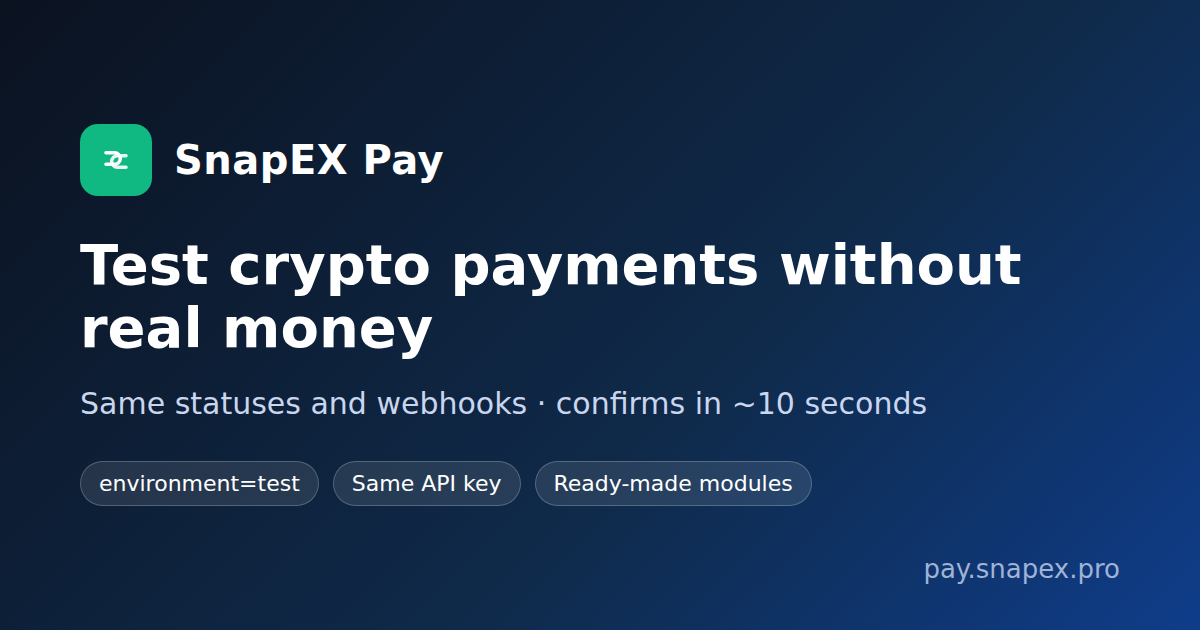
How to test crypto payments without real money
Test invoices in SnapEX Pay go through the same statuses and send the same webhooks as live ones, but confirm by themselves and never touch your balance. Here is how to use them.
-
Who pays the fees on a crypto invoice: you or your customer
SnapEX Pay lets you choose per invoice who covers the service fee and the network allowance. What fee_on does, how it changes the amount the customer pays and the amount you receive.