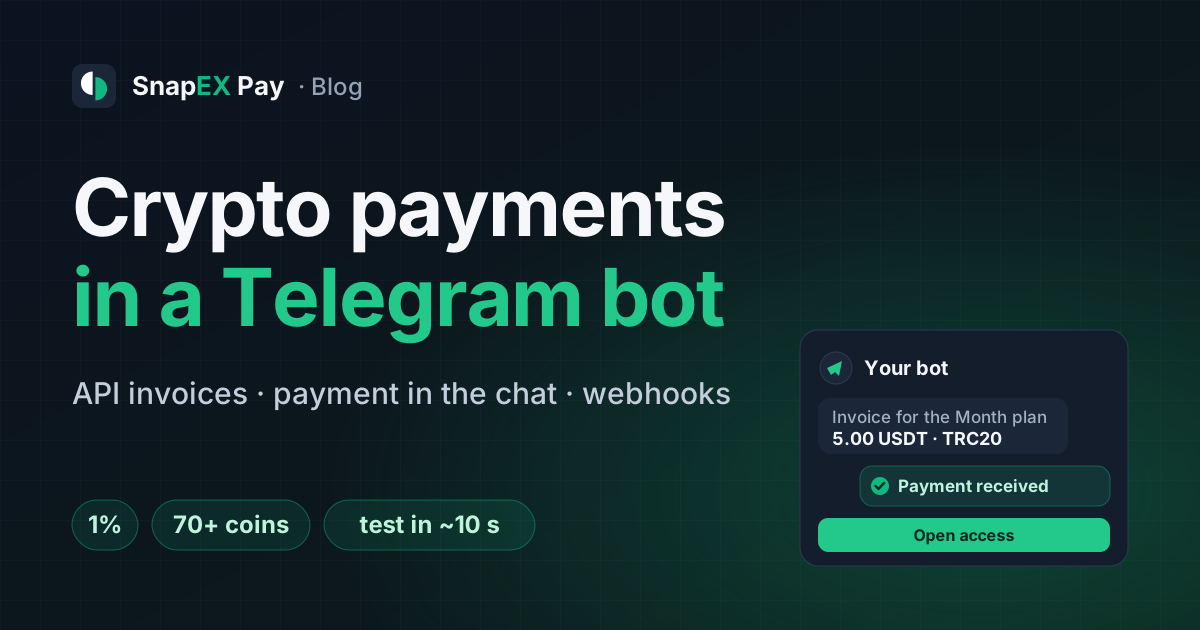
This guide is for anyone who sells through a Telegram bot: subscriptions, access to a private channel, digital goods, top-ups of an in-service balance. The buyer is already in the chat, so paying there is the easiest. The goal: the bot creates the invoice, learns about the payment and hands over the goods by itself, with no matching of transfers by hand.
SnapEX Pay asks for no KYC, from you or from your buyers, and has no country restrictions. The bot needs no wallet or blockchain node of its own: the money lands on your merchant balance in USDT. What can't be sold through SnapEX Pay is listed in the merchant rules.
- 1%fee per payment, no monthly fee — taken from your amount or added on top for the buyer
- 1API request, and the bot has a payment link or an address with the exact amount
- ~10 suntil a test invoice confirms: test the bot with no real money
How a payment goes in a bot
From the "Buy" button to the goods
invoice.paidThe bot talks to Telegram as usual, through long polling or its own Telegram webhook. Two channels connect it to SnapEX Pay: the bot's requests to the API (create and re-read an invoice) and SnapEX Pay webhooks to your HTTPS address.
Step 1. Create a merchant account and an API key
- Sign up at pay.snapex.pro. An account on the snapex.pro exchange works too — it's the same account. No documents needed.
- In the cabinet open Developers and issue an API key. It's shown once, so save it in the bot's settings right away. The bot needs the
invoices.readandinvoices.writepermissions. - Enter the webhook URL: the HTTPS address on your server where the bot takes notifications. The signing secret
whsec_…is also shown only once.
Step 2. Create an invoice when a button is tapped
On every plan tap the bot sends POST /api/v1/merchant/invoices. What to pass:
- The amount —
amount_usd, or a price in your own currency:price_amountandprice_currency(RUB or EUR, for example). SnapEX Pay converts it to USD at the rate of the moment the invoice is created. - The order number —
external_id: the bot uses it later to find who gets the goods. It must be unique, so put the order id from the bot's database there, not the buyer's Telegram ID. - The
Idempotency-Keyheader — required. If the buyer taps twice or the connection drops, a retry with the same key returns the same invoice instead of creating a second one. - The lifetime —
expires_inin seconds, from 1 minute to 24 hours; 30 minutes by default. - Who pays the 1% —
fee_on:merchant(out of your amount) orcustomer(on top for the buyer).
Step 3. Show the payment: as a link or right in the chat
Two ways to show an invoice in a bot
- Invoicecreated without a coin
- Button"Pay" linking to the payment page
- Payment pagethe buyer picks the coin and network
- Statusthe page updates by itself
- Coinsthe bot shows them as buttons from the API response
- Choicethe coin goes to the API
- Messageaddress and exact amount from the API response
- Replythe bot says "paid" on the webhook
- Link. The API response has
pay_url— put it into a button under the message. On the SnapEX Pay page the buyer picks one of 70+ coins and sees the address, a QR code and the amount, and the status updates without a reload. - Right in the chat. The response to invoice creation has a
methodslist: the coins and networks available for this amount. The bot shows them as buttons and sends the buyer's choice toPOST /api/v1/merchant/invoices/{id}/methodswithasset_id. The response haspayment.addressandpayment.amount: the bot sends them as a message, and the buyer copies the address into a wallet without leaving Telegram. If you know the coin in advance, passasset_idwhen creating the invoice — the address comes in the very first response.
Show the amount exactly as in payment.amount, and remind the buyer that an exchange may take its fee out of the transfer: a smaller amount is a short payment (step 4).
Step 4. Hand over the goods on the webhook
SnapEX Pay sends a webhook on every invoice change. The main events for a bot:
What the bot does on each event
- Coin chosen
invoice.awaiting. The invoice waits for the transfer; the address and amount are known. - Less arrived
invoice.underpaid. Ask the buyer to send the rest,payment.remaining_amount, to the same address. - Paid
invoice.paid. Re-read the invoice via the API and hand over the goods. - No top-up came
invoice.partially_paid. The part received is already on your balance — your call: a new invoice for the rest or a partial order.
There are also invoice.expired (the invoice ran out unpaid) and invoice.extra_payment (another payment came to an already paid invoice; it's credited separately).
How to handle a notification safely:
- Check the signature. The
Webhook-Signatureheader is HMAC-SHA256 of{Webhook-Timestamp}.{raw body}with yourwhsec_…secret. If a proxy sits in front of the bot, it must pass the body through unchanged. - Don't trust the body alone. Before handing anything over, re-read the invoice with
GET /api/v1/merchant/invoices/{id}and check that it sayspaidand thatexternal_idis your order. - Hand over once. If your server doesn't answer, SnapEX Pay retries the delivery, up to 5 attempts in total. Mark the order as delivered in the bot's database, and a retry breaks nothing.
More on signatures and retries in the guide Crypto payment webhooks, on short payments in What happens when a crypto payment is short.
Step 5. Test the bot with a test invoice
Create an invoice with environment: "test" and go through a purchase yourself. The payment page shows a Test label; pick any coin, and about 10 seconds later the payment confirms by itself, nothing to send. Check that the webhook arrived, the signature passed and the goods went out once. Then drop test: while the bot creates test invoices, everything is bought for free. More in How to test crypto payments without real money.
Balance top-ups in a bot: a fixed address
If your bot has an internal balance, you don't need an invoice for every top-up. Give the user a fixed address: POST /api/v1/merchant/static-addresses with the coin and a customer_ref, such as the user's Telegram ID. A repeat request with the same customer_ref returns the same address, so the "Top up" menu can show it every time.
- Supported: USDT on TRC20, ERC20, BEP20 and Polygon, USDC on Polygon, BTC, LTC, ETH and TRX. USDT and USDC are credited 1:1, other coins at the rate in USDT.
- A transfer arrives —
static_deposit.detectedwebhook; credited —static_deposit.creditedwith thecustomer_ref: the bot finds the user and tops up their balance. - Minimum top-up is $0.50. Show the network and coin next to the address: unsupported tokens aren't credited automatically.
Payment notifications for you in Telegram
This is for you, not your buyers. In the merchant cabinet click Connect Telegram: it opens @snapexpay_bot, which then messages you about every payment to your balance: an invoice paid in full, in part or with an extra payment, a payout completed. Test invoices come marked "TEST". The link works once, for 30 minutes; turn it off with /stop or in the cabinet.
Selling VPN? There's a ready-made bot
VPN services on Marzban, 3x-ui or Remnawave don't need to write a bot: there's a free open-source one (MIT). It shows plans, creates a SnapEX Pay invoice, checks the webhook and creates or extends the user in the panel itself. Without a panel it only takes the payment, and you hand out access yourself. Step-by-step setup is in the guide Selling VPN subscriptions through a Telegram bot for USDT.
Pre-launch checklist
Before you open crypto payments in the bot
- The API key with
invoices.readandinvoices.writelives in the bot's settings, not in the code. - The webhook to an HTTPS address is set, the
whsec_…secret is saved, the signature is checked. - Every invoice is created with an
Idempotency-Keyand the order'sexternal_id. - Goods go out only for an invoice re-read via the API with status
paid, and only once. - Short payment: the bot asks for the rest and holds the goods until
paid. - A test purchase went through, and test mode is off.
- Fee: you've decided who pays the 1%, you or the buyer.
Pricing and withdrawals
- 1% fee per payment, no setup fee and no monthly fee.
- Minimum invoice — from $0.50 in USDT on TRC20, ERC20, BEP20, plus LTC, ETH and TRX; other coins from $8. Enough for low-priced plans.
- Withdrawals — your balance is in USDT and goes out from the cabinet to a crypto address right away, with no holds or reserves. No service fee on withdrawals, only the network fee.
Already take payments in your bot another way? No need to drop it: add a SnapEX Pay button next to it, and the buyer picks how to pay. The full API reference is in the documentation.